Bambu 3D Printer Review: Outstanding Performance and Value for Makers
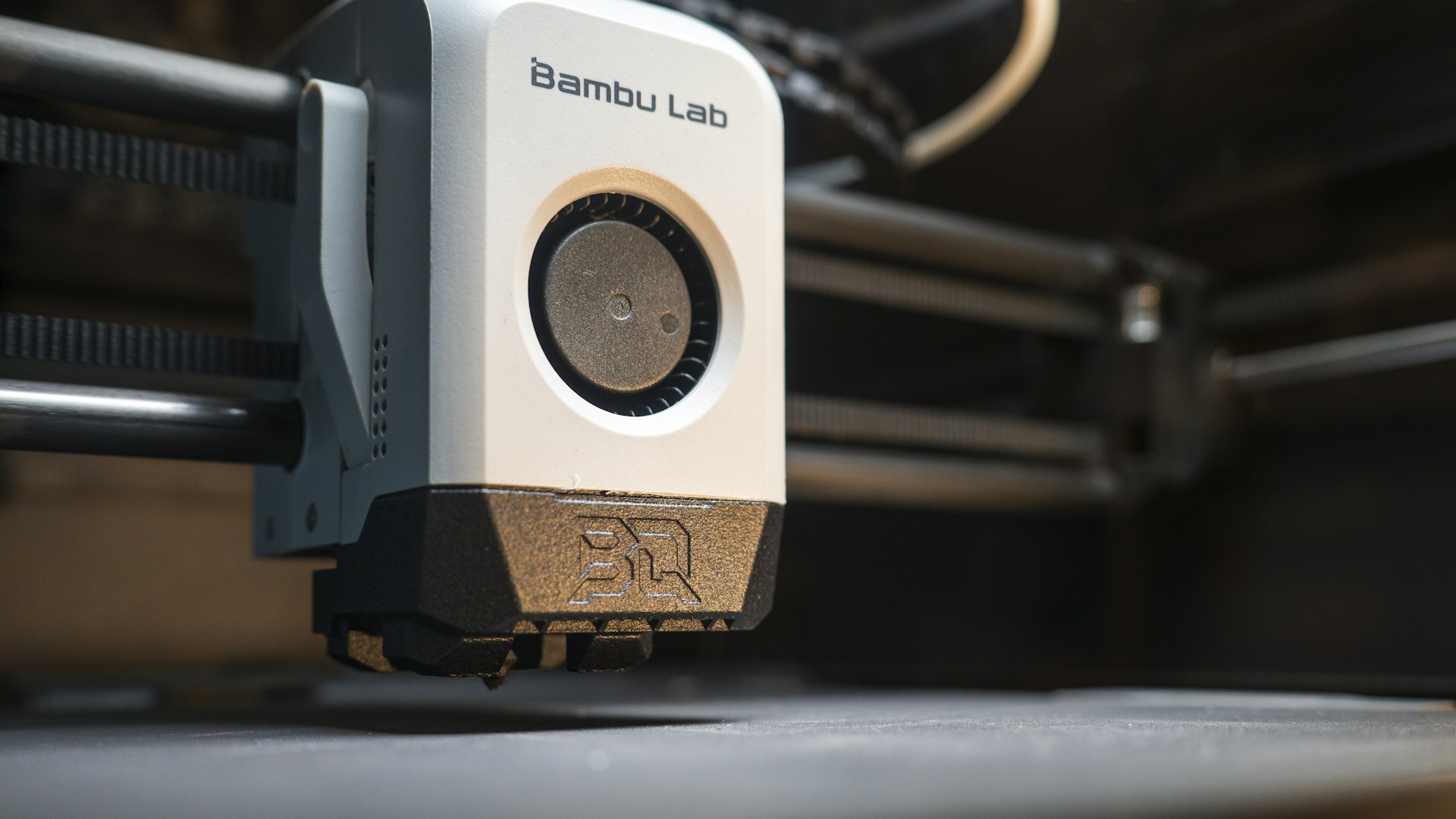
Table of Contents
Introduction
If you’re on the hunt for a reliable 3D printer, the Bambu 3D printer should top your list. With a price tag around $999, it combines excellent performance with user-friendly features, making it an ideal choice for both novice and advanced makers alike.
Bottom Line: The Bambu 3D Printer is a solid investment for anyone looking to produce high-quality prints with efficiency and ease.
In this review, we’ll delve into the printer’s specifications, use cases, and determine whether it truly lives up to the hype.
Key Features and Performance
Speed and Precision
One of the standout features of the Bambu 3D printer is its high printing speed, which can reach 500 mm/s. This is significantly faster than many other printers in its class, allowing you to complete prints quickly without sacrificing quality. The precision of its layers is impressive, with an accuracy of up to 50 microns, ensuring that your finished products look clean and professional.
Build Volume
The printer boasts a decent build volume of 256 x 256 x 256 mm, which is sufficient for most DIY projects, like prototypes, models, or even intricate designs. If your projects typically involve larger prints, this may be a limitation, but for average maker applications, it’s more than adequate.
Multi-material Support
Another feature that sets Bambu apart is its versatility. It supports a range of materials, including PLA, ABS, and PETG, and even advanced filament composites like carbon fiber. This allows you to experiment with your projects without needing multiple printers for different materials.
User Interface and Setup
The Bambu 3D printer comes with a color touchscreen interface, which makes navigation and setup a breeze. Users praise its intuitive design, making it easy for first-timers to get started.
Connectivity Options
You won’t be limited in how you send your designs to the printer. Bambu offers Wi-Fi, Ethernet, and USB connectivity. This flexibility means you can print from anywhere in your workspace without needing to be tethered to the printer.
Comparison with Competing Models
Here’s how the Bambu stacks up against a couple of its closest competitors, the Creality Ender 3 V2 and the Prusa Mini+.
| Feature | Bambu 3D Printer | Creality Ender 3 V2 | Prusa Mini+ |
|---|---|---|---|
| Price | ~$999 | ~$299 | ~$399 |
| Print Speed | 500 mm/s | 180 mm/s | 200 mm/s |
| Build Volume | 256 x 256 x 256 mm | 220 x 220 x 250 mm | 180 x 180 x 180 mm |
| Layer Resolution | 50 microns | 100 microns | 50-200 microns |
| Material Compatibility | PLA, ABS, PETG, composite | PLA, ABS, PETG | PLA, PETG, ASA |
| User Interface | Touchscreen | LCD with knobs | LCD with knobs |
Analysis of the Comparison
- Value for Money: While the Bambu is pricier than some competitors, its enhanced speed, multi-material capability, and user-friendly interface justify the cost.
- Speed vs. Cost: If you’re a professional designer or a serious hobbyist, the time saved with the Bambu’s speed can be worth the extra investment.
- Material Versatility: If your projects frequently require various materials, the Bambu’s adaptability will serve you better than the more limited options of the Ender 3 and the Mini+.
Who This is For
The Bambu 3D printer excels for:
- Freelancers or small business owners who require rapid prototyping without sacrificing quality.
- Advanced hobbyists interested in exploring multi-material printing.
- Educators wanting a dependable printer to introduce students to 3D modeling and printing.
Who Should Skip This
While the Bambu offers impressive features, it might not be the right choice for everyone. You should consider skipping the Bambu if:
- You are a casual hobbyist just starting with 3D printing and prefer a lower upfront cost.
- You need a printer strictly for production of smaller models, as its build volume may be excessive for your needs.
- You mainly print with single-material filaments and do not need the enhanced filament compatibility.
Real Scenarios and Use Cases
Imagine you’re a product designer who needs to create multiple prototypes for a client quickly. With the Bambu printer, you can iterate design changes faster than with typical slower printers. Or perhaps you want to create toys or educational kits for kids — the ability to print with various materials can help you craft unique items that are durable and appealing.
Conclusion: Is the Bambu 3D Printer Worth It?
Yes, without a doubt. The Bambu 3D printer combines speed, versatility, and ease of use in a way that few competitors can match. If you’re serious about elevating your 3D printing game, investing in a Bambu is a decision you won’t regret.
Ultimately, while there are more affordable options, the efficiency and performance offered by the Bambu make it a worthwhile investment for dedicated makers and professionals who prioritize quality and speed. If you have the budget, go ahead — you’re making a decision that can facilitate your creative projects for years to come.