Mastering 3D Printer Cleaning Filament: A Complete Guide
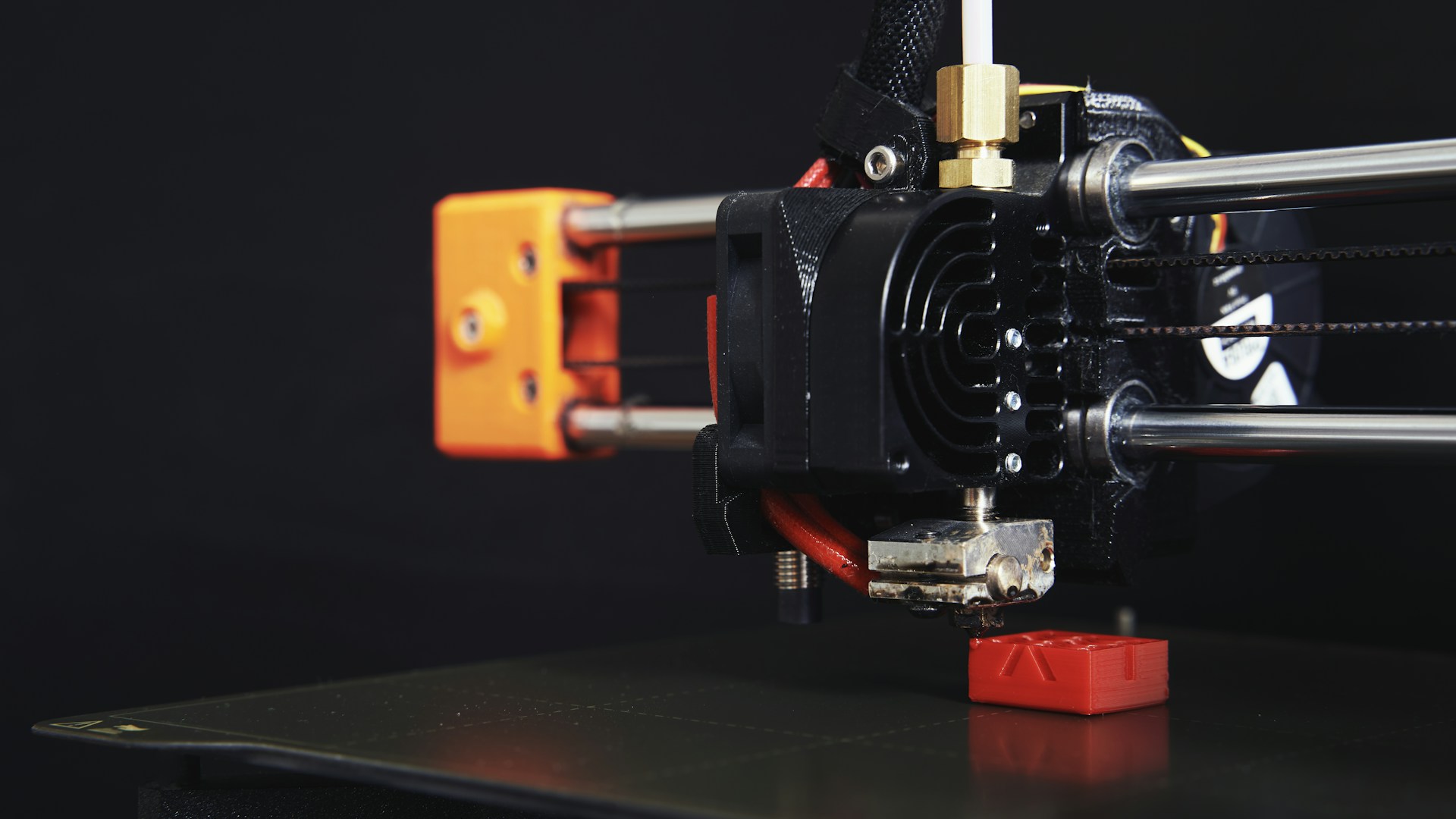
Table of Contents
Introduction
Using 3D printer cleaning filament can be a game-changer for maintaining your 3D printer and improving print quality. If you want to avoid clogged nozzles and inconsistent extrusions, incorporating cleaning filament into your workflow is essential. The bottom line? The best option is the eSUN Cleaning Filament, priced around $15 for a 1kg spool. It’s affordable, effective, and widely recommended by users.
What is 3D Printer Cleaning Filament?
3D printer cleaning filament is a specialized material designed to clean the nozzle of your printer. It’s particularly effective when switching between different types of filament, like moving from PLA to ABS, or when you’ve encountered frequent clogging issues. The cleaning filament removes leftover residue and builds up inside the nozzle, which helps ensure that your printer is operating at peak performance.
Why You Should Use Cleaning Filament
- Preventing Clogs: Frequent use of different types of filament can lead to clogs in your nozzle. Cleaning filament can flush out any residual material.
- Improving Print Quality: A clean nozzle results in better extrusion, leading to higher-quality prints.
- Extending the Life of Your Printer: Regular maintenance with cleaning filament can prolong the life of your printer’s components.
How to Use 3D Printer Cleaning Filament
Here’s a straightforward guide to using cleaning filament effectively:
Preparation
- Gather Your Supplies: You’ll need the cleaning filament, a suitable temperature setting for your printer, and your usual 3D printing tools like pliers and tweezers.
- Heat the Printer: Set your printer nozzle temperature to the extruding temperature for your cleaning filament. For most cleaning filaments, this falls between 200-250°C. For example, eSUN cleaning filament works best at around 230°C.
- Remove Existing Filament: If there is filament currently loaded, you should remove it before inserting the cleaning filament.
Using the Cleaning Filament
- Insert the Cleaning Filament: Feed the cleaning filament into the extruder as you would with your regular filament.
- Extrude the Filament: Manually extrude about 10-20 cm of the cleaning filament. Watch for any signs of color change or material flow—this indicates that any residual materials are being pushed out.
- Cool Down: Once completed, let the nozzle cool down to a lower temperature before removing any remnant cleaning filament.
- Check for Cleanliness: Upon resuming your regular printing, observe the initial layers of your print. If they look good, the cleaning was successful.
Recommended Cleaning Filaments
While there are many brands available, I’ve highlighted a few top products based on user feedback and effectiveness:
| Brand | Price (approx.) | Material Type | Recommended Temperature |
|---|---|---|---|
| eSUN | $15 (1kg) | PLA-based | 230°C |
| 3D Fuel | $20 (1kg) | Flexible | 220°C |
| Amolen | $18 (1kg) | ABS-based | 240°C |
Our Pick: The eSUN Cleaning Filament is the best choice due to its balanced performance, price, and compatibility with various filaments.
Who This is For
- Frequent Users: If you regularly switch between different filament types, cleaning filament is a must-have.
- Hobbyists: Perfect for DIY makers who want to maintain their 3D printers and improve print quality easily.
- Professionals: Essential for users who depend on high-quality prints for prototypes and professional projects.
Who Should Skip This
- Occasional Users: If you only use your 3D printer a few times a year, you may not need cleaning filament.
- Budget-Conscious Makers: While it’s worth the investment, if you are strictly low-budget and can manage your prints without it, you might skip this.
Final Thoughts
Using 3D printer cleaning filament isn’t just recommended; it’s vital for maintaining your printer and ensuring the best print quality. By following the steps outlined, you can easily incorporate cleaning filament into your 3D printing routine.
In my experience, using eSUN Cleaning Filament has proven effective, making it the top choice for cleaning without breaking the bank. At around $15 for a 1kg spool, it’s a worthwhile investment to keep your prints crisp and free from defects.
Don’t wait until you experience printing issues; start using cleaning filament today and give your 3D printer the care it deserves!